For a Transport Fever 3 train cannot find route error, select the affected line, inspect its connection warning, then check that the assigned platform is reachable through actual switches and correctly directed one-way signals. If your train can't find route on simple track, rebuilding the same rails may leave the same platform or signal restriction in place.
Where does the route stop connecting?
Select the affected line
Open the line manager. Select the line with a problem icon, then find the red exclamation mark beside the affected segment in the lower area. Hover over it for the connection error details.
Check arrival and departure separately
Open Select Terminals. The arrow beside the relevant terminal shows whether the problem is reaching it or departing from it. Trace that direction between the affected stops.
Check the assigned platform
Use the move stop button in the stops row or HUD to select a reachable platform. A connection to the station does not establish access to every platform. If the train is still in its depot, check that the depot can reach the intended destination too.
Do the tracks actually let the train change sides?
For an End Station → Station → End Station layout with two tracks, check the switches needed to reach and leave each assigned platform, including the return journey.
- Follow the failing direction from the previous stop to the selected platform.
- At each required track change, check for a switch rather than a plain crossing. Tracks crossing at a large angle do not let trains change tracks.
- To build a switch, click the existing track where the branch should start and extend away at a narrow angle. For a crossover, start on an existing parallel track and drag toward the other track.
- Recheck platform access after changing the connection.
A single fix for the three-station, two-track failure is not confirmed yet. Changing platforms or adding crossovers only helps when it addresses the unreachable part of the route.
Which signal setting does this section need?
Inspect the signal's detail window and its One-way setting. A one-way signal cannot be passed from behind; a signal facing away from travel is otherwise ignored.
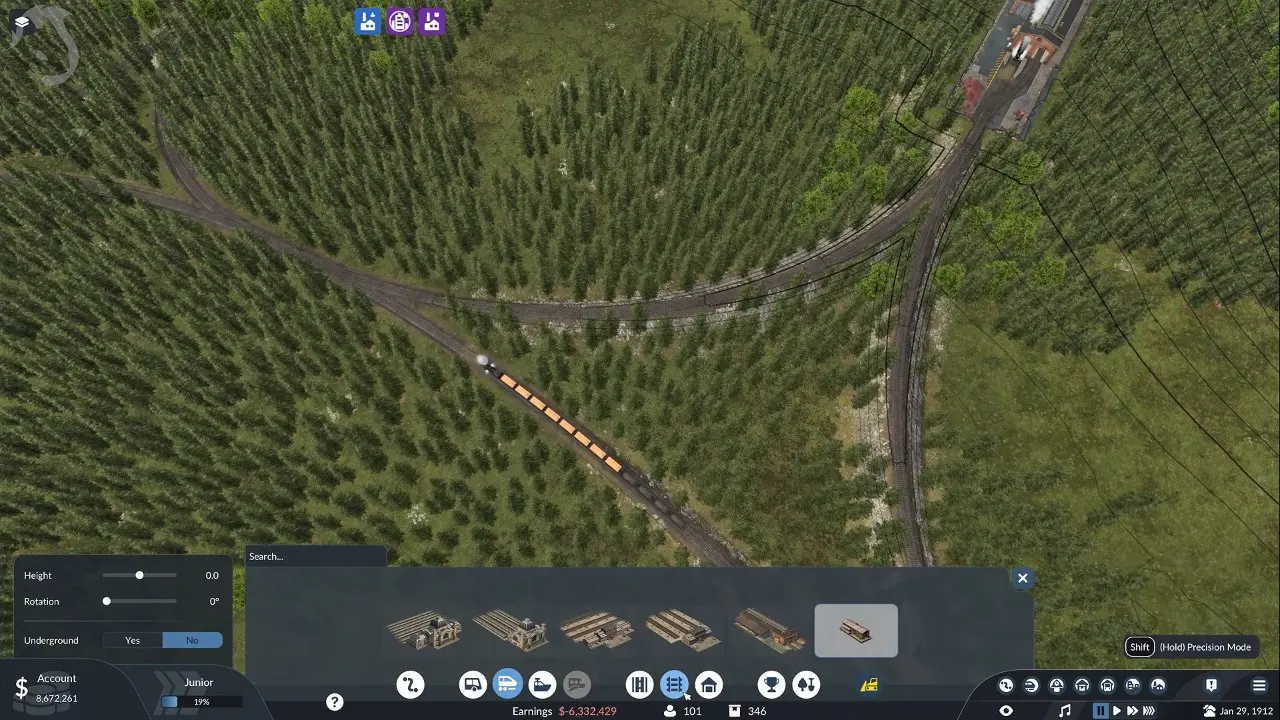
One-way: for a track with a fixed travel direction
Choose YES in the One-way drop-down to enforce the signal's direction. Check that the line's arrival, departure and return paths never require passing it from behind.
Two-way: recommended when the same section needs both directions
Keep the signal two-way where the route must pass it in both directions. The shared section shown below illustrates where a two-way signal is proposed; it is not a universal placement plan for every layout.
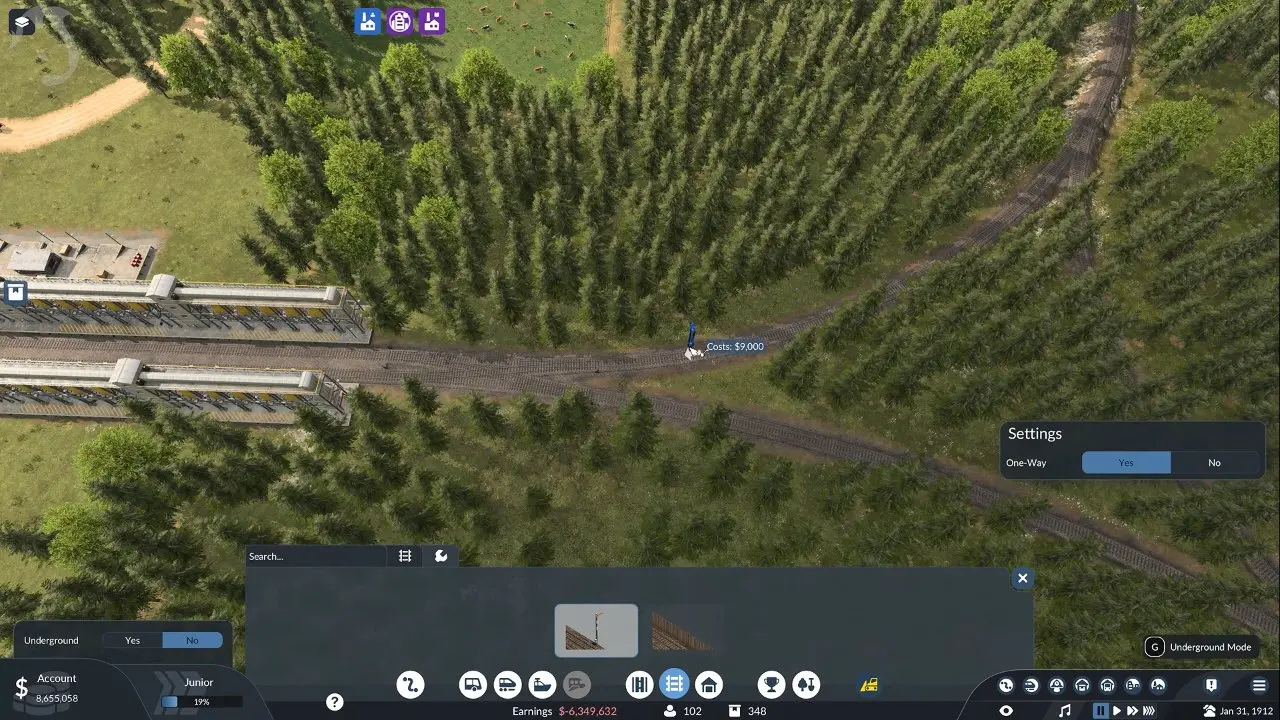
What if the route connects but both trains stay stopped?
Check for overlapping reserved paths. With no signals at a passing siding, two trains can each reserve toward the opposite station and block one another. Add signals at each end of the passing siding to separate those paths.
Leave enough clearance after switches or crossings for the full length of the longest train. Move a signal farther from the junction if a waiting train would otherwise block it.
Stations do not automatically act as signals. If you enable alternative terminals, every enabled platform must be reachable from the last signal before the station. Open the line window or line manager to identify that signal by its blinking arrow in the line's color.
Once the route connects, use Trains Not Unloading Cargo for an unloading problem or Transfer Cargo Between Transport Types for a transfer question. For separate setup questions, see Passenger and Cargo on One Train and Move Stations and Buildings.